> ## Documentation Index
> Fetch the complete documentation index at: https://docs.loqate.com/llms.txt
> Use this file to discover all available pages before exploring further.
# Local API install process
The following sections demonstrate the steps of the installation process for Local API installation.
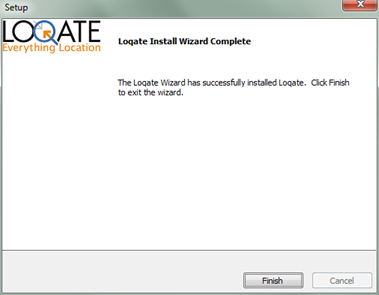
## Installation Using GUI
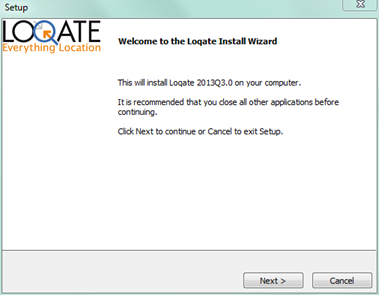
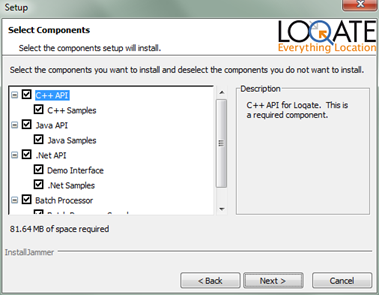
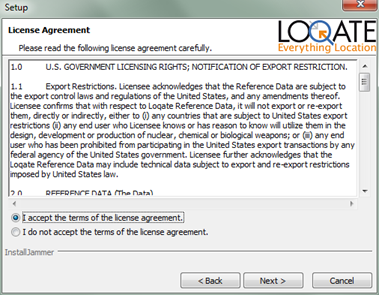 After seeing the welcome screen and accepting the license agreement, the next screen shows the components to install. For Install Manager to work, the Loqate Java API is required.
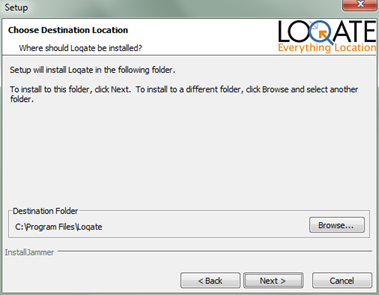
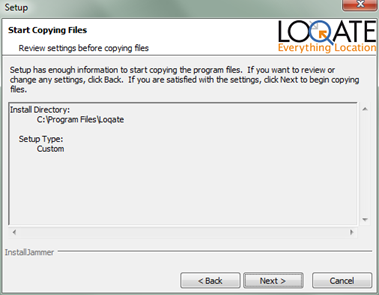
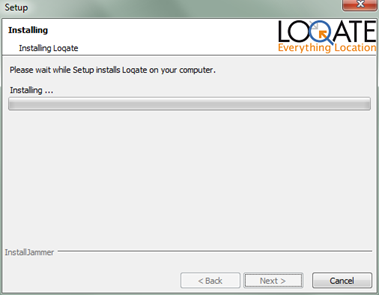
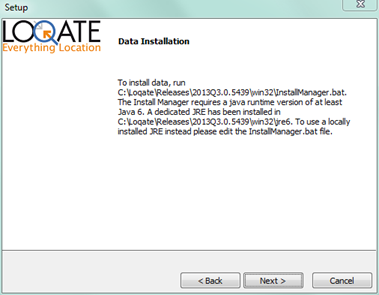
 The next step is to select a folder to install the Local API. If Install Manager was selected as a component to install, then a local copy of Java Run time Environment will be installed in addition to `InstallManager.jar` and a script or a batch file (`InstallManager.bat` for Windows and `InstallManager.sh` for Linux/Unix platforms) for running Install Manager. The Java Runtime Environment will be installed locally so there will be no effect on the system settings in the target machine.
 ## Installation Using the Command Line Interface
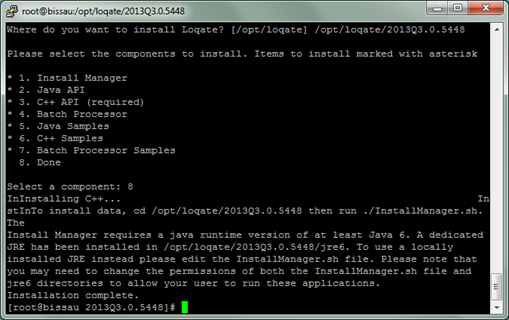
On Linux/Unix platforms, the preferred method of installation is using the command line interface.
## Installation Using the Command Line Interface
On Linux/Unix platforms, the preferred method of installation is using the command line interface.
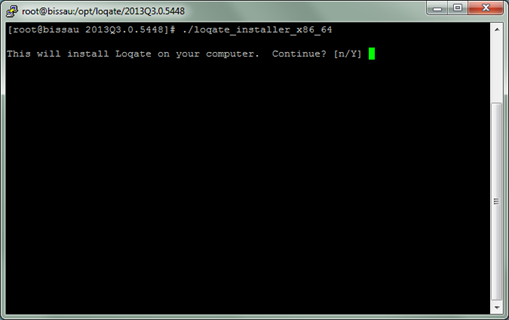
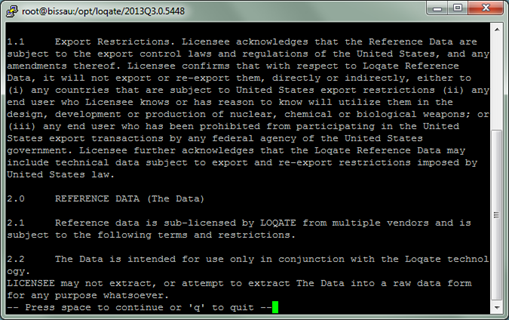
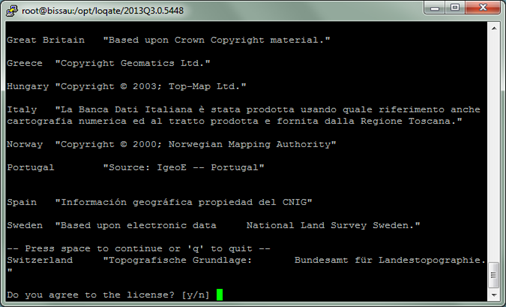
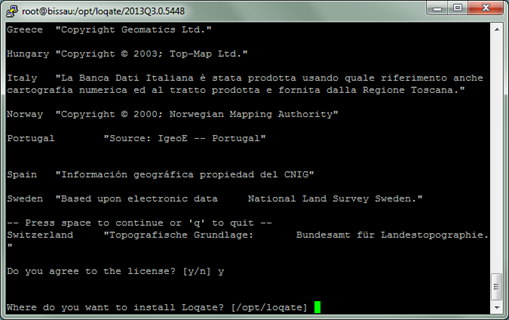 When selecting components, if Install Manager is selected, then the Java API is also installed.
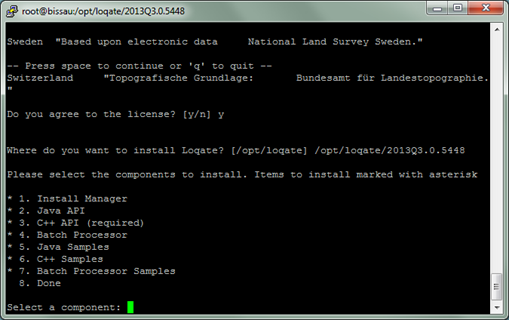 If Install Manager is selected as a component to install, the installer will install a local copy of the Java Runtime Environment (JRE) as well. This is needed to run Install Manager. This local copy of JRE will not affect any system settings on the target machine.