> ## Documentation Index
> Fetch the complete documentation index at: https://docs.loqate.com/llms.txt
> Use this file to discover all available pages before exploring further.
# Generate Service and Management Keys for Store Finder
> Create API keys for Store Finder. Service keys for public APIs and management keys for location list administration in your account.
All of our services require API keys in order to work, which you can create in [your account](https://account.loqate.com/) - see the [Creating API Keys page](/loqate-basics/create-an-api-key) for full details of how to do this.
In this article we'll quickly explain the specifics of creating API keys for use with a Store Finder.
## Store Finder API keys
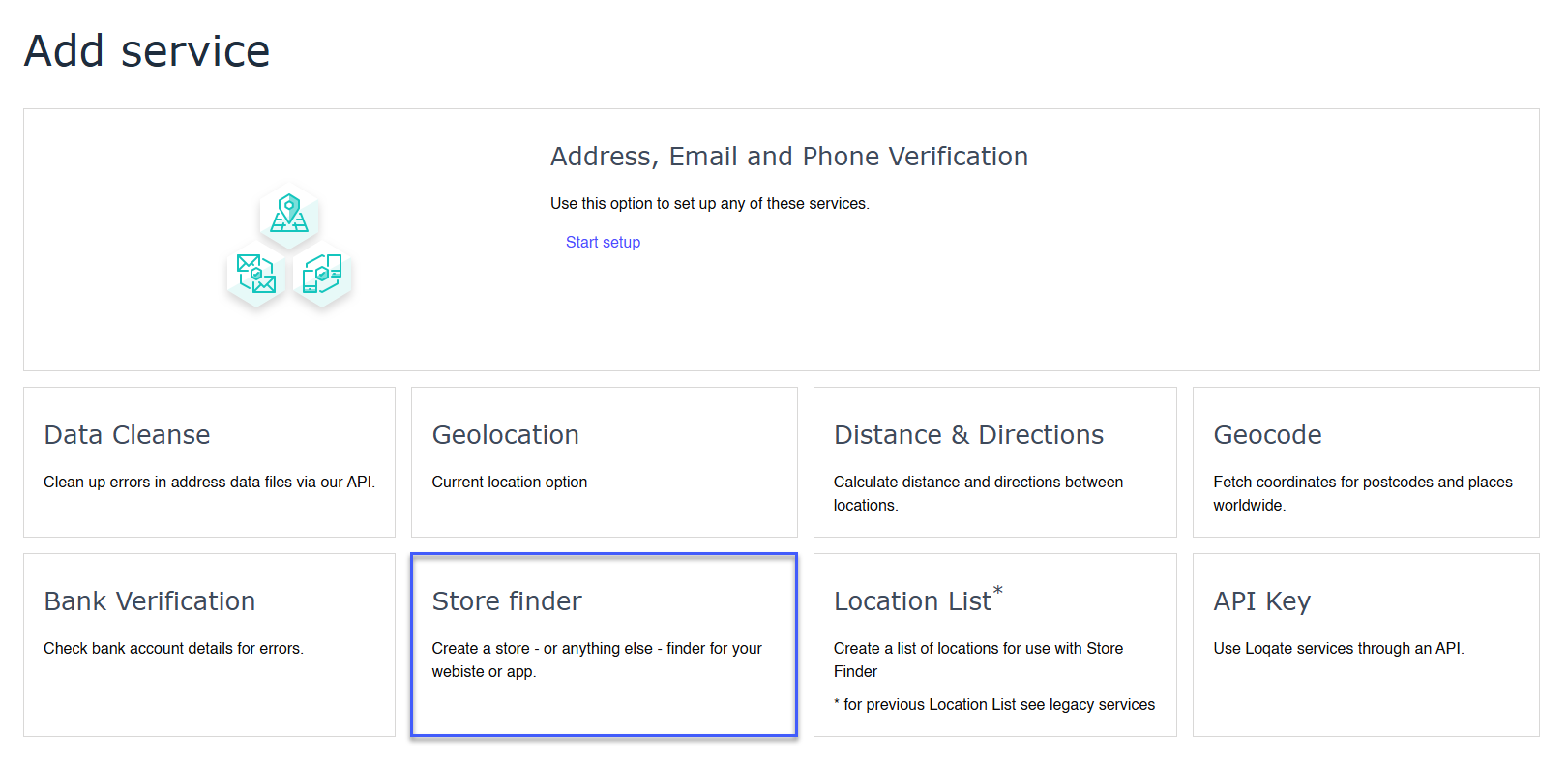
You need to create a dedicated service for your Store Finder. On the Add service page you'll see a **Store Finder** option - click on this to get started.
 This will then create two keys for you:
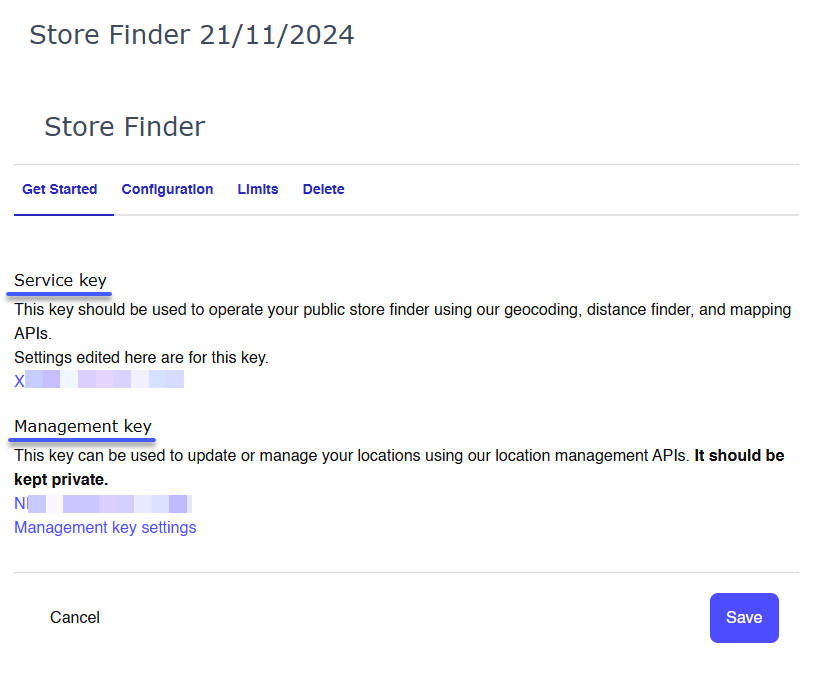
* A **Service** key, which should be used for all of the public-facing aspects of a Store Finder such as your calls to our Geocoding, Distance Finder and Mapping APIs
* A **Management** key, which should be kept private and only used to access our Location Management APIs for creating, editing and deleting your lists
Here's an example of how those keys will look:
This will then create two keys for you:
* A **Service** key, which should be used for all of the public-facing aspects of a Store Finder such as your calls to our Geocoding, Distance Finder and Mapping APIs
* A **Management** key, which should be kept private and only used to access our Location Management APIs for creating, editing and deleting your lists
Here's an example of how those keys will look:
 You can now edit the settings for your keys (such as name, daily limit and security restrictions), or just get started with adding a Store Finder to your site.
Before you get coding, you will want to add a list of Locations that you can use. You can do this either [in your account](/our-services/store-finder/creating-and-managing-location-lists) or via our [Create List API](/api-reference/store-finder/location-management-create-list).
You can now edit the settings for your keys (such as name, daily limit and security restrictions), or just get started with adding a Store Finder to your site.
Before you get coding, you will want to add a list of Locations that you can use. You can do this either [in your account](/our-services/store-finder/creating-and-managing-location-lists) or via our [Create List API](/api-reference/store-finder/location-management-create-list).