Installation Steps
- Run Install Manager using License key
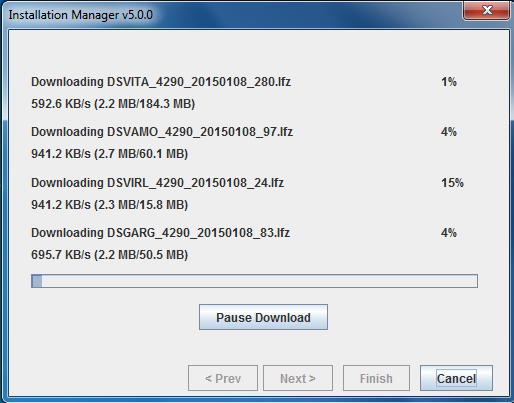
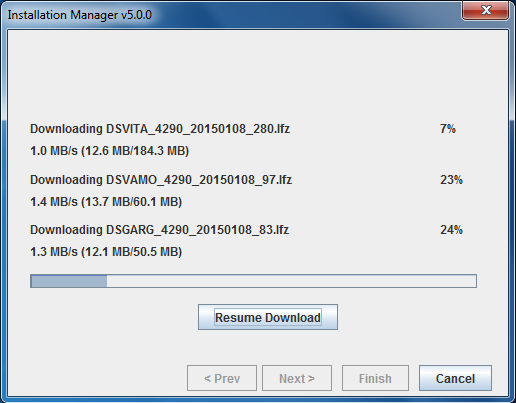
- Download the required datapacks (
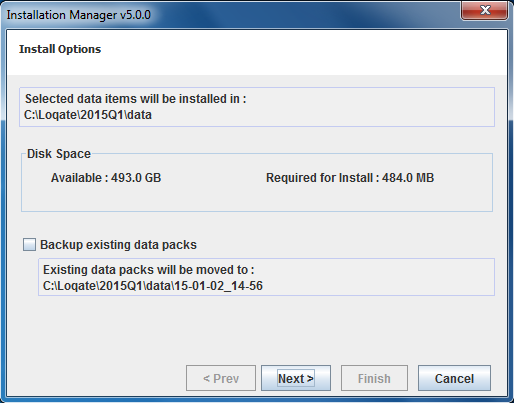
*.lfzfiles) - Install the data packs
Graphical User Interface Mode
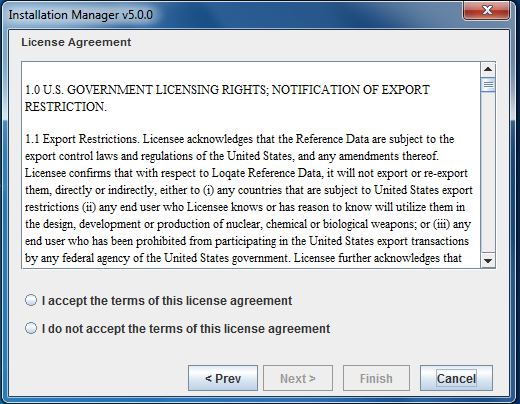
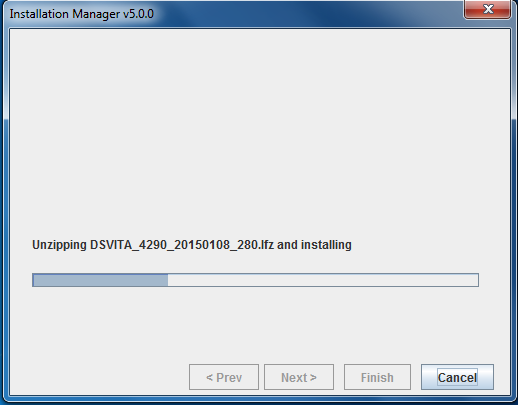
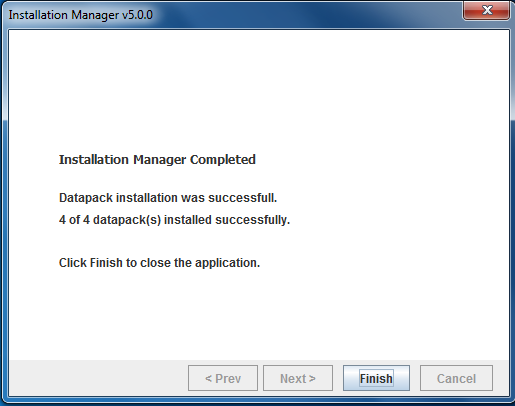
Install Manager can be started in GUI mode by providing the command line option:mode=gui. GUI mode is the default mode on Windows platforms. On Windows platforms, Install Manager can be launched by double clicking on InstallManager.bat.
The first screen displays the version of the Local API currently installed, at the lower left corner.
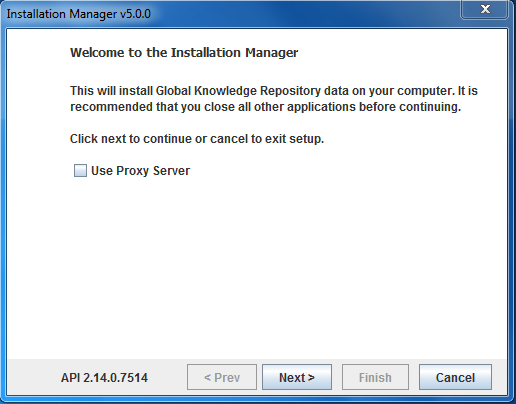
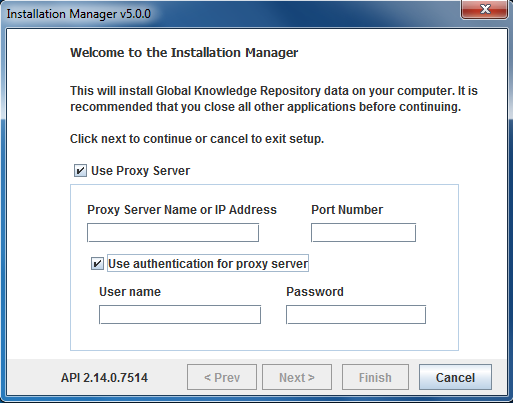
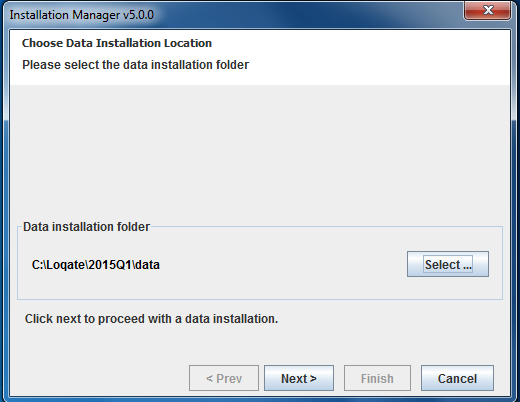
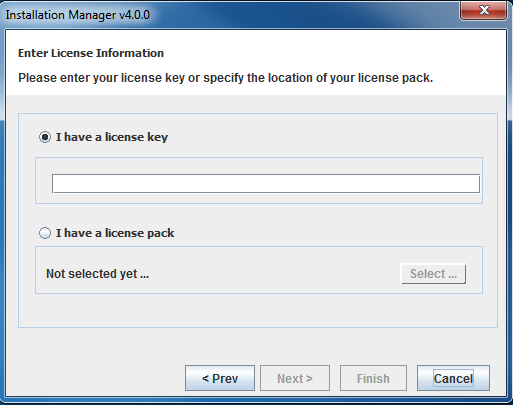
licensing.loqate.com. If the license key is valid, the server will return the corresponding license pack to Install Manager and then Install Manager will write the license pack to the installation folder.
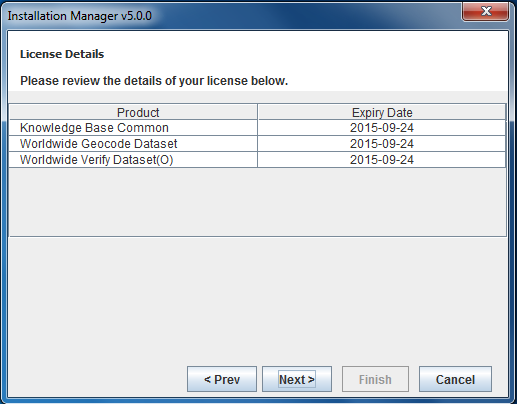
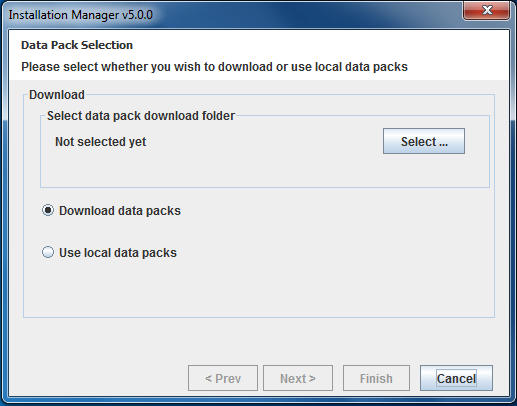
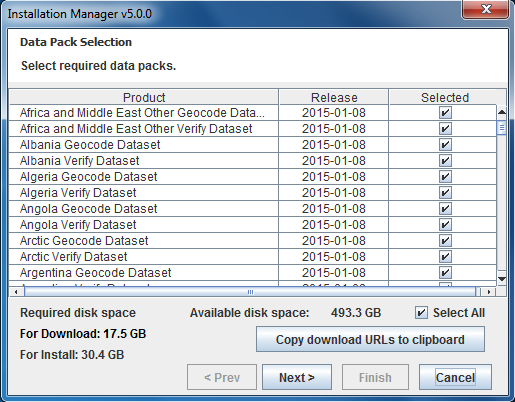
licensing.loqate.com and fetch details about the latest available licensed data packs that are compatible with the Local API version that is currently installed. The details of available data packs to install will be shown next. In the case a user selects an existing data folder for installation, it will show newer data packs available to download and install. The release date of the available data packs will also be displayed. The user can select the required data packs from this screen by checking the checkboxes next to each product.
Command Line Interface Mode
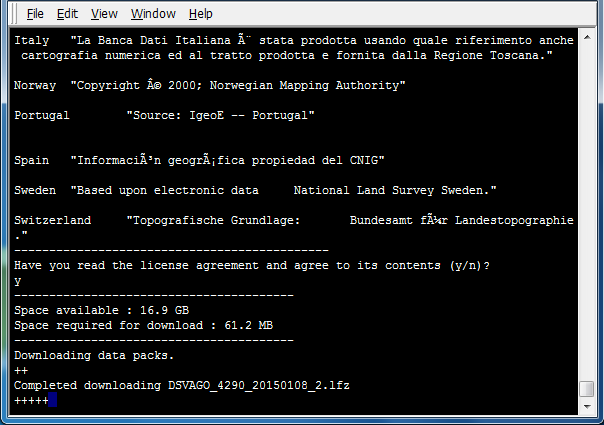
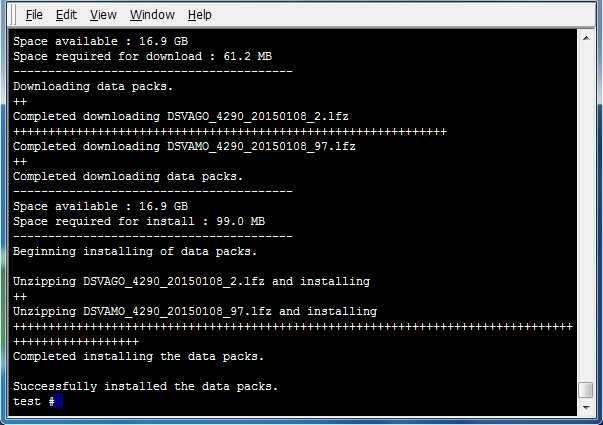
Install Manager can be started in command line mode by providing the command line option:mode=commandline. Command line mode is the default in Linux and UNIX platforms. On Linux/Unix platforms, Install Manager can be launched by running the script InstallManager.sh. The first screen displays the version of the Local API currently installed.
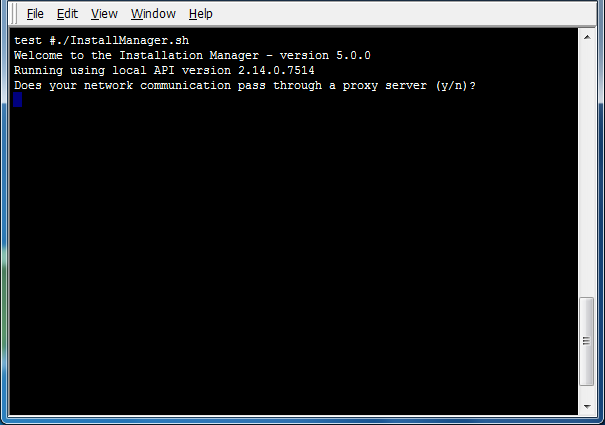
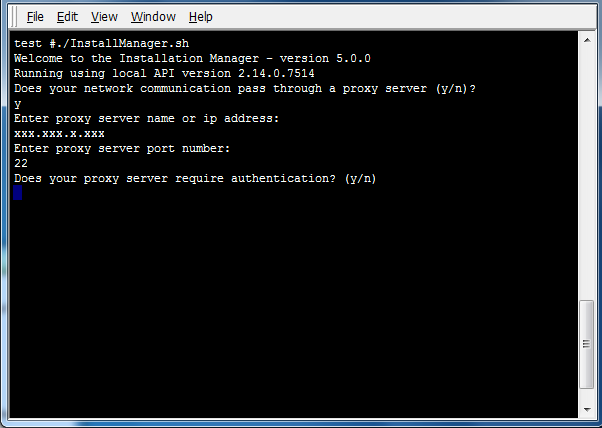
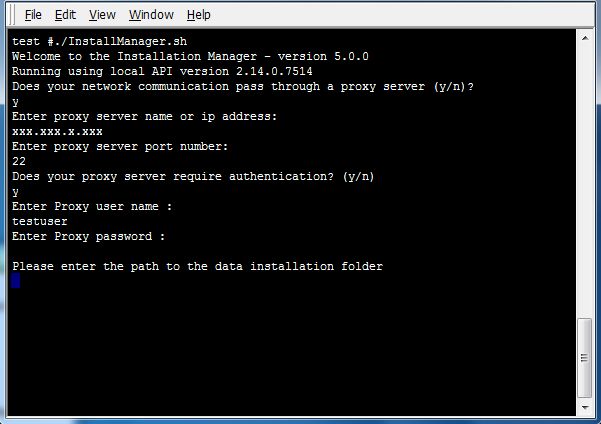
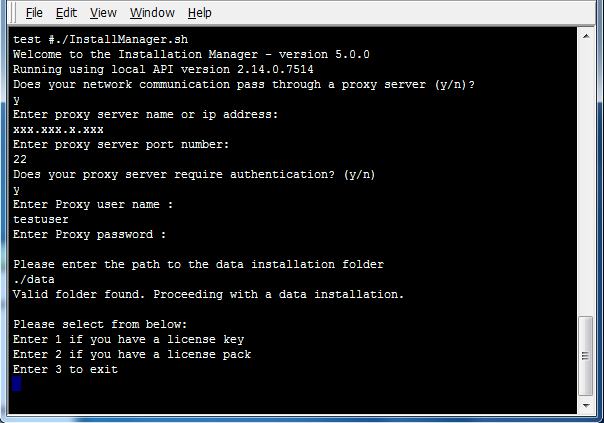
licensing.loqate.com. If the license key is valid, the server will return the corresponding license pack to Install Manager and then Install Manager will write the license pack to the installation folder.
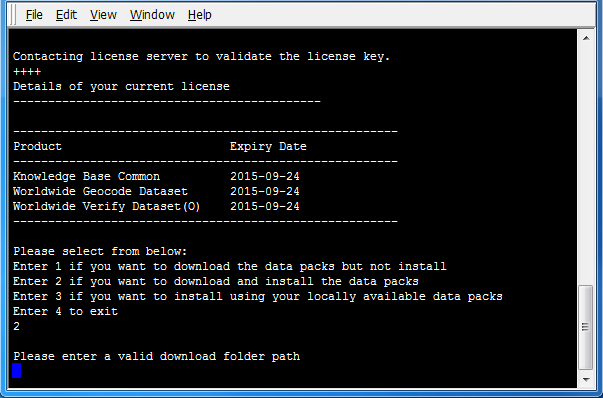
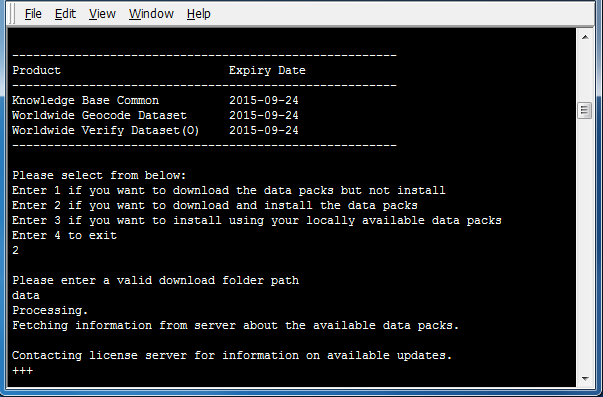
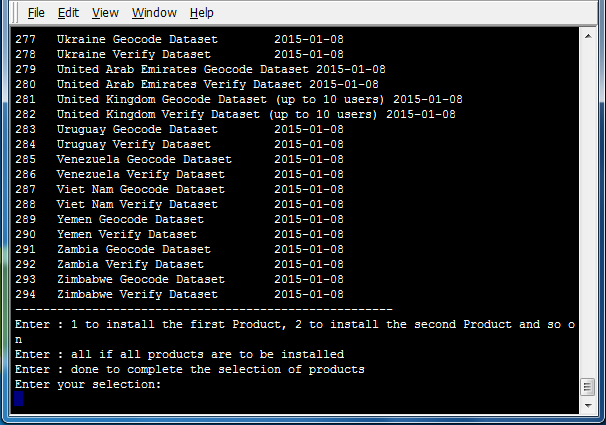
all to select all data packs. Alternatively, if only certain products are desired for installation, enter the numbers next to those products, ending the selection by entering done.
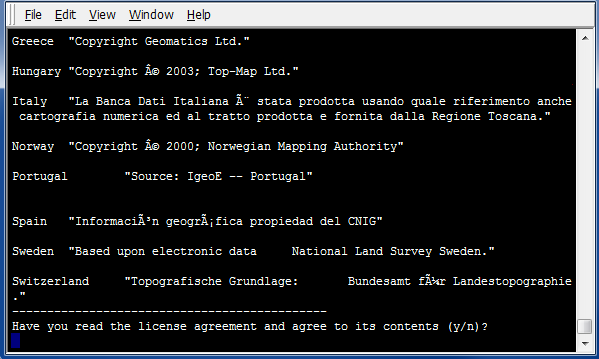
download.loqate.com.